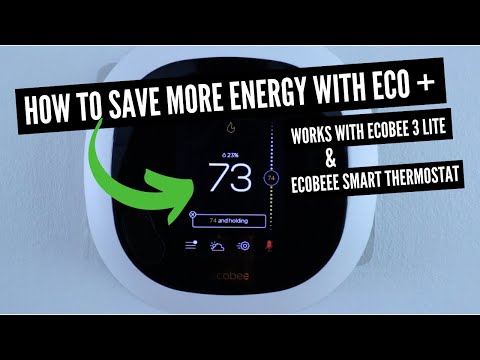
Ecobee 3 Thermostat: https://amzn.to/3mSbEw4
Ecobee Room Sensors: https://amzn.to/3gqmK99
In this video we teach you how to connect Ecobee to HomeKit. These instructions will work for all Ecobee Thermostats including the Ecobee Smart Thermostat, the Ecobee3 and the Ecobee4 Thermostat. In the video we are using an Ecobee3 Smart Thermostat.
Once you connect your Ecobee Thermostat to HomeKit it will allow you to use Siri voice commands on your iPhone or HomePod Mini or HomePod to control your Ecobee Smart Thermostat.
How To Connect Ecobee3 To HomeKit:
1. You will need to setup and install your Ecobee Thermostat. It needs to be connected to wifi and setup on the Ecobee app.The thermostat will need to be on the same wifi network as the iPhone you are connecting the Ecobee Thermostat to.
2. On your iPhone open up the “Home” app or “HomeKit” app which has a house symbol or download and setup the “Home” app.
3. Then click a the button “Add Accessory”
4. Click “I don’t have a code or cannot scan”
5. If you are on the same wifi network as the Ecobee Thermostat is should pop up as a button in the HomeKit app. Select the Ecobee Thermostat.
4. Once you click on the device it will trigger the Ecobee Thermostat to display an Ecobee HomeKit code that you will then input on to your iPhone to connect Ecobee to Homekit. Enter the Ecobee Homekit code or Ecobee3 HomeKit code on your iPhone.
5. Your Ecobee with then connect to Homekit. It will then ask you to choose a location for your thermostat and confirm the Ecobee Thermostat name. Click continue. Then click done.
6. Click ok on the Ecobee Thermostat that the devices have been successfully paired.
7. Congratulations your Ecobee Thermostat is now connected to HomeKit and you can use Siri Voice commands to control Ecobee.
DID THIS HELP? You can support us: https://www.buymeacoffee.com/OneSmartHome
Our Website: https://www.onehoursmarthome.com/
Podcast: https://www.onehoursmarthome.com/podcasts
***Join the email list: https://eepurl.com/0KDob ***
*Some of the links included maybe affiliate links that help support this channel.