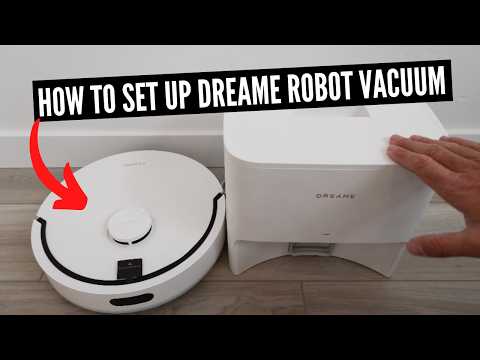
We teach you how to set up a Dreame Robot Vacuum and Mop.
Dreame D20 Robot Vacuum: https://link.amazon/B0aUXxsz3
It’s a smart robot vacuum designed to automatically map and clean your floors. It has bump detection, wifi connection, a lidar scanner and can even integrate with Google Home, homekit and amazon Alexa.
How To Set Up The Dreame Robot Vacuum
1) Download and install the DreameHome App, login and set up a username and password.
2) Plug in the base station and turn it on with the switch on the back of the device.
3) Install the side brush on the device.
4) Hold down the power button for approximately 15 seconds until the Dreame vaccum starts to talk to you telling you that it’s turned on. With the app open click the “Add + button” to add a device and follow the in app instructions to add the device to the app. It will then tell you how to put the device into paring mode.
*Links included may be affiliate links which help support this channel.