Nest Room Sensor: https://amzn.to/2NTb3dv
Favorite Smart Home Devices: https://www.amazon.com/shop/onehoursmarthome
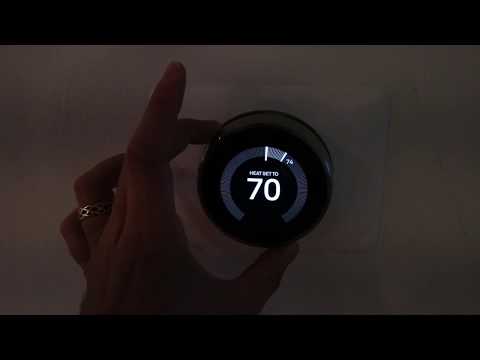
In this video we teach you how to turn off a Nest Thermostat. You can turn off your Nest Thermostat from your phone or from the thermostat by changing the “mode” setting on the Nest Thermostat.
When you turn off your Nest Thermostat it will no longer heat or cool. Another option is to set your Thermostat to Ecomode which will set the temperature within a large range and only turn on if it the temperature falls outside of the range. Ecomode is typically a better option than turning off your Nest Thermostat because it will protect your home from extreme temperatures.
Did this help? You can support me by buying me a coffee: https://www.buymeacoffee.com/OneSmartHome
***Join the email list: http://eepurl.com/0KDob ***
Our Website: https://www.onehoursmarthome.com/
*Links included may be affiliate links which help support this channel.